Smart Connect
Selects a healthy server automatically when manual comparison would slow you down.
IonixVPN combines one-tap protection with Smart Connect, app exclusions, network quality tests and trusted Wi-Fi rules.
From one-tap protection to network diagnostics and account controls, these are current IonixVPN screens.
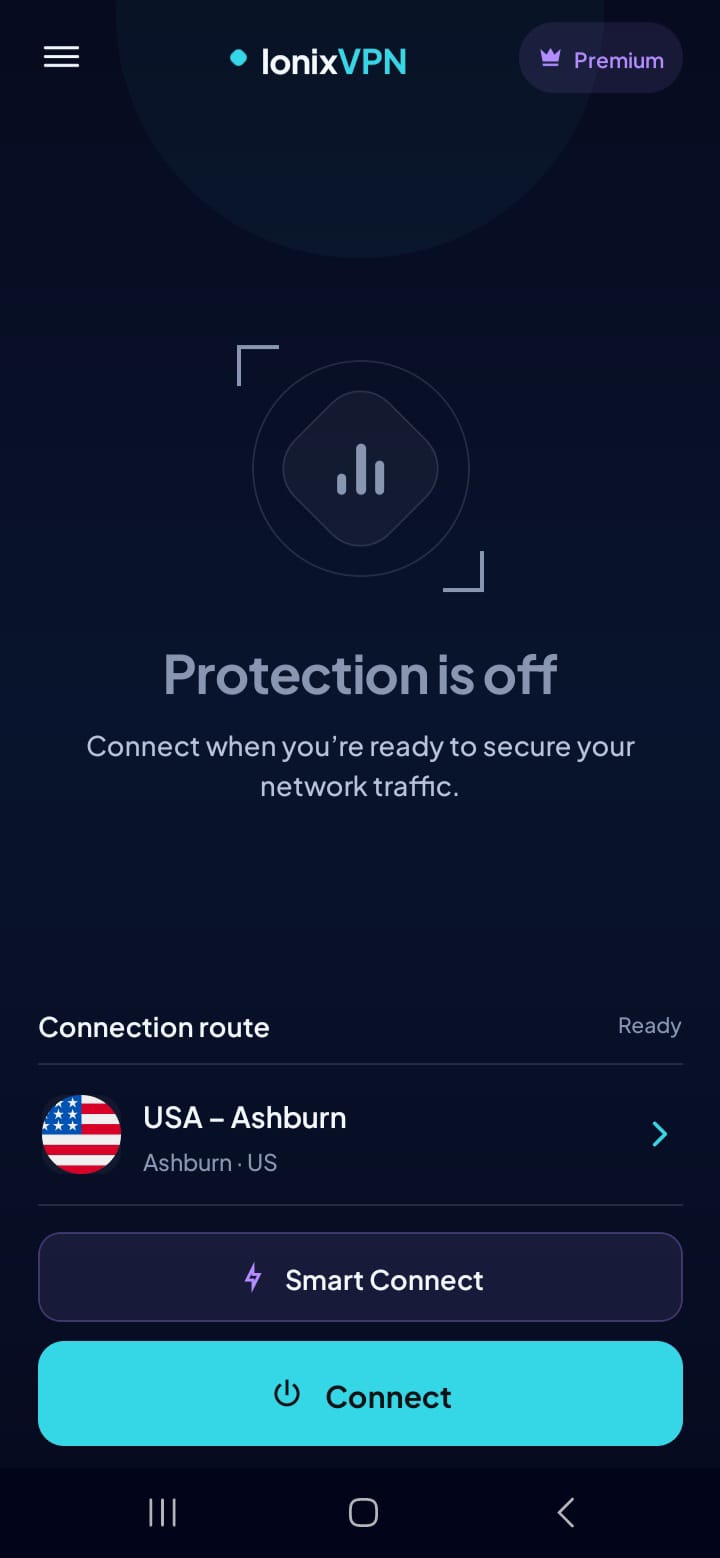
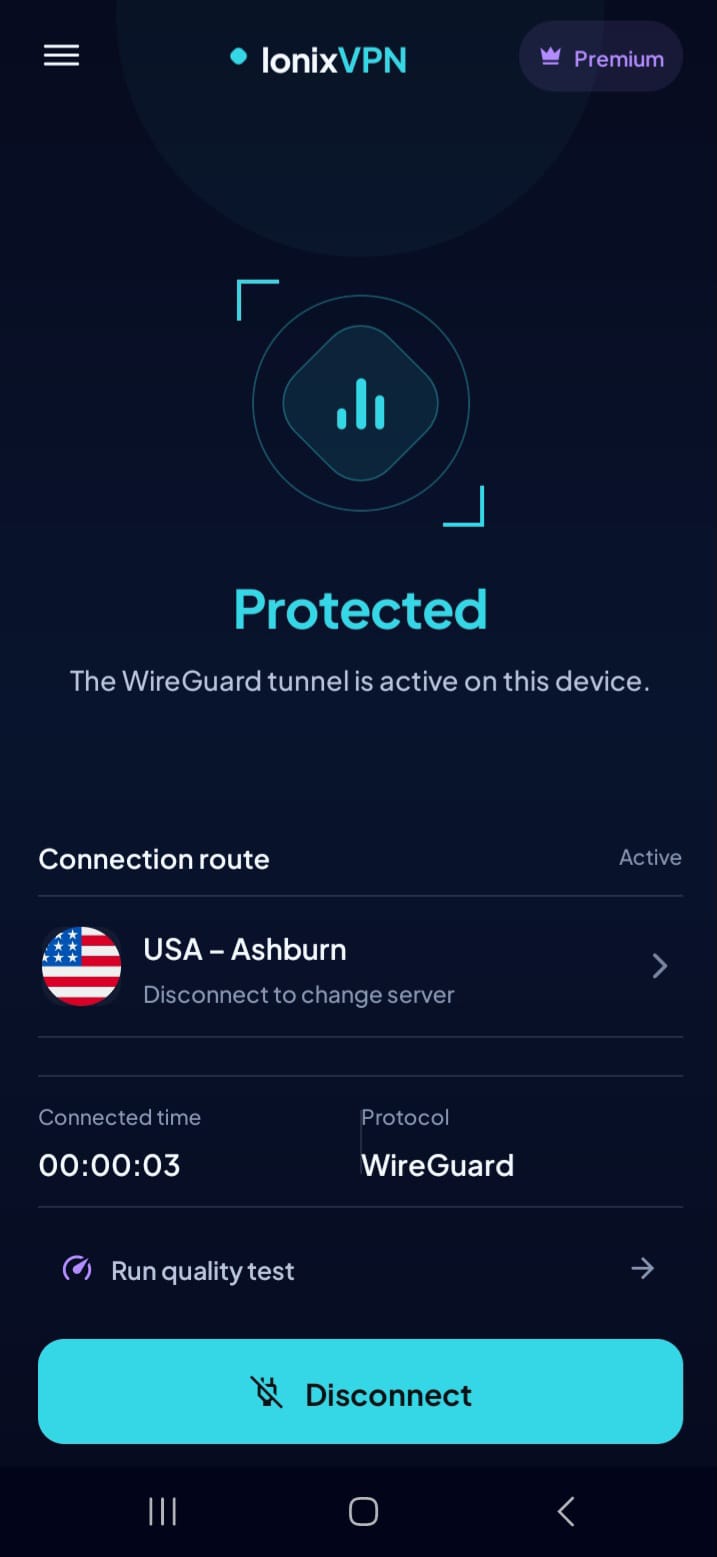
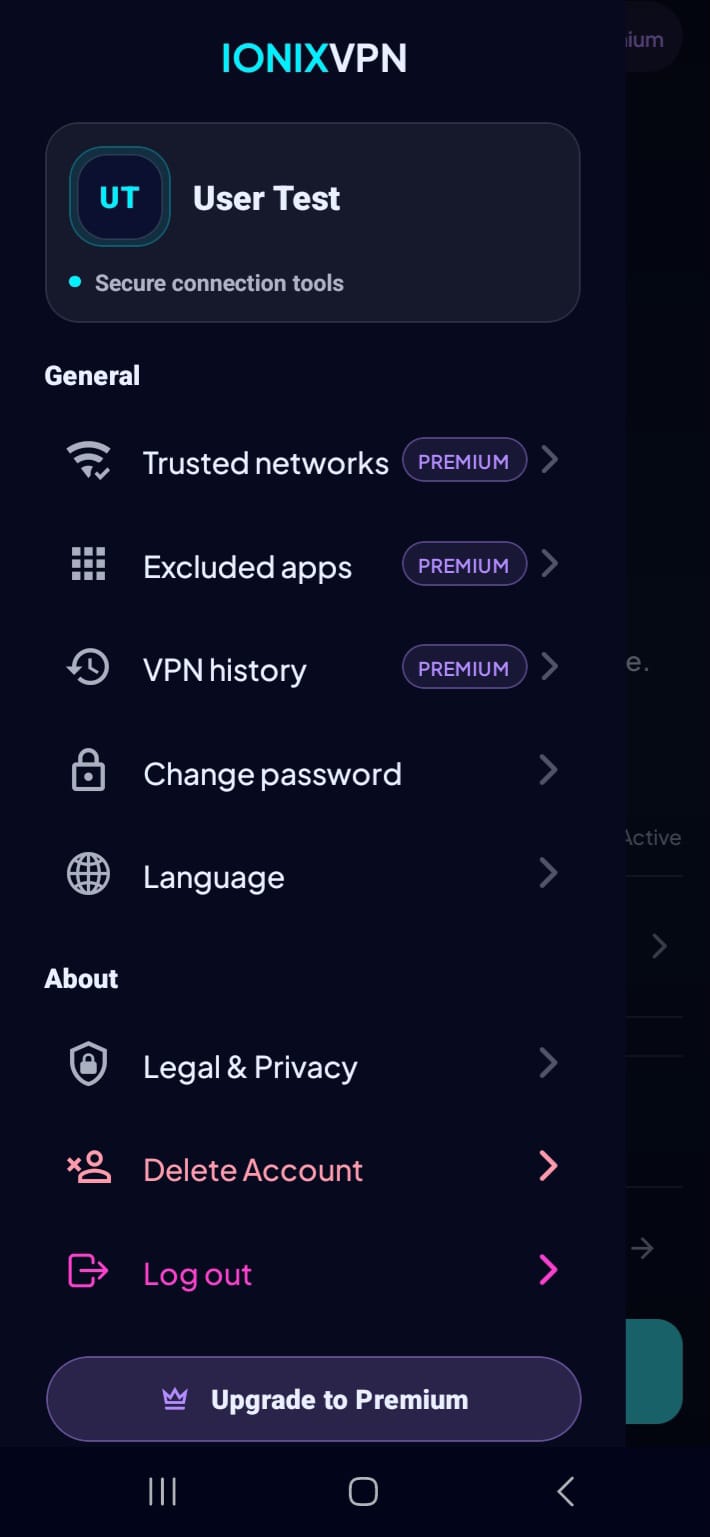
IonixVPN is not just an on/off switch. It helps decide when to connect, which apps should use the tunnel, when a network is already trusted and whether the current route is fast enough for the task.
Trusted Wi-Fi rules can pause the VPN when you are on a safe known network.
App exclusions let selected apps stay outside the tunnel when they need direct access.
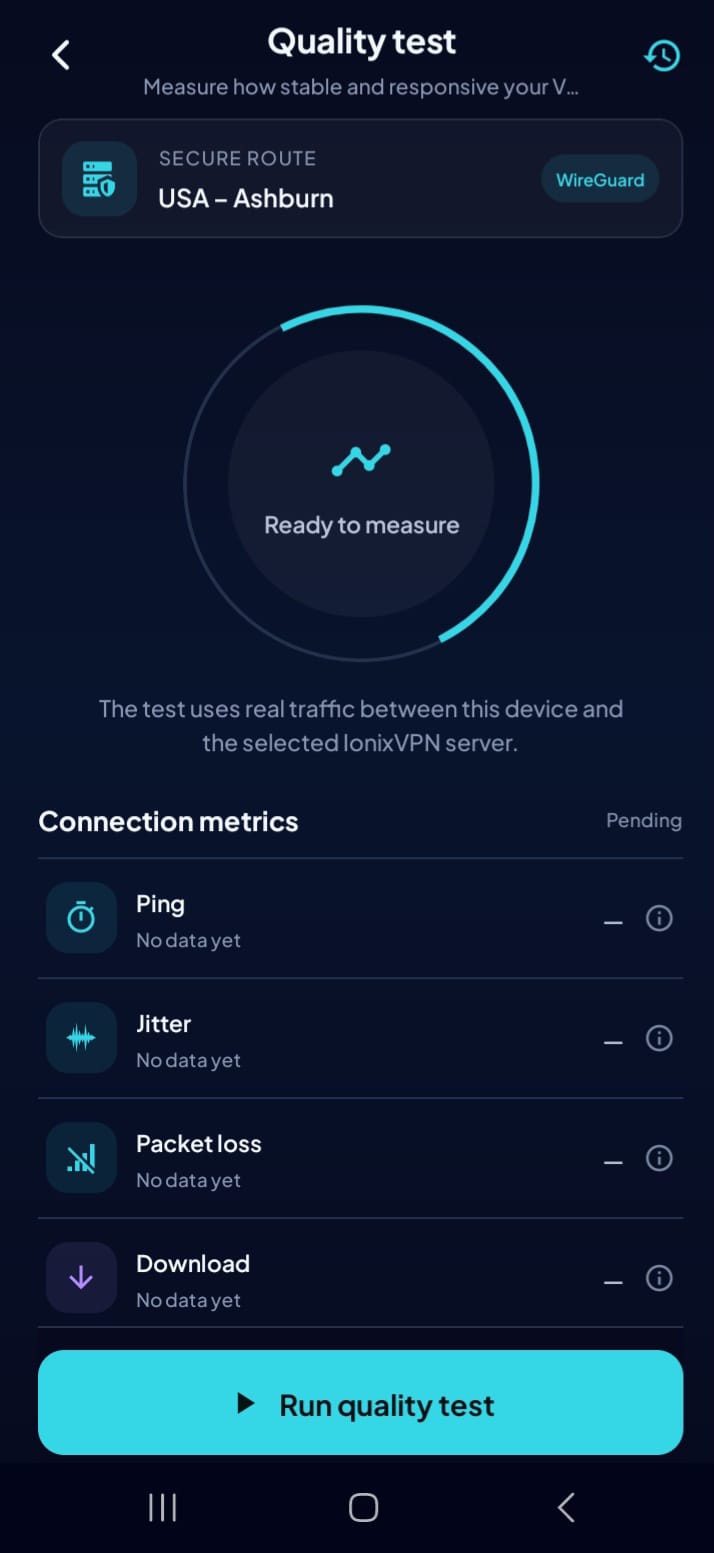
Smart Connect and quality testing help pick a route before you rely on it.

Selects a healthy server automatically when manual comparison would slow you down.

Keep selected apps outside the VPN for banks, local devices or services that require direct routing.
Mark safe Wi-Fi networks so IonixVPN can disconnect automatically when protection is not needed.

Switch the app language for users who prefer English or Spanish controls.
IonixVPN adapts to the situation: test the network, decide whether the VPN should run, pick a server, and keep chosen apps on the route that works best for them.
Run a quick quality test or let the app identify the current Wi-Fi context.
Trusted networks and excluded apps decide when the tunnel is necessary.
Smart Connect picks a healthy server when the VPN should be active.
Keep controls clear in English or Spanish while the app handles the route.
Each feature has a practical job: choose the server, test the network, exclude apps, pause on trusted Wi-Fi and keep the interface clear in English or Spanish.
Finds a healthy server automatically by balancing latency, location and stability.
Uses a modern VPN protocol for fast encrypted browsing when the tunnel is active.
Select apps that should bypass the VPN for banking, local devices or services that need direct routing.
Mark safe Wi-Fi networks so the VPN can turn off automatically when that protection is unnecessary.

Measure download, upload, ping and jitter before using a server for calls, streaming or remote work.

Switch between English and Spanish so the main controls stay understandable for more users.
Every option unlocks IonixVPN Premium. Choose how often you want to be billed and keep the same secure experience.
Prefer to start free? Basic access remains available with one device and standard servers.
Prices are in USD and verified against the app catalog. Subscription management is handled securely through Google Play.
Quick answers about the controls that make IonixVPN more than a basic VPN switch.
Smart Connect picks a healthy server automatically using signals such as latency, location and server availability. It is useful when you do not want to compare locations manually.
Excluded apps bypass the VPN tunnel. This helps when a banking app, local device, streaming app or work tool needs a direct connection instead of a VPN route.
Trusted networks are Wi-Fi networks you mark as safe. When you connect to one, IonixVPN can turn off automatically and reconnect when you leave it.
The quality test measures download, upload, ping and jitter so you can decide whether the current route is good enough for calls, streaming or work.
Yes. The app supports English and Spanish so users can choose the language that makes the connection controls easiest to understand.
Premium is one subscription offered for 1, 3, 6 or 12 months. The total price changes with the billing period, while multi-month options support up to 5 devices. Purchases and renewals are managed securely through Google Play.